


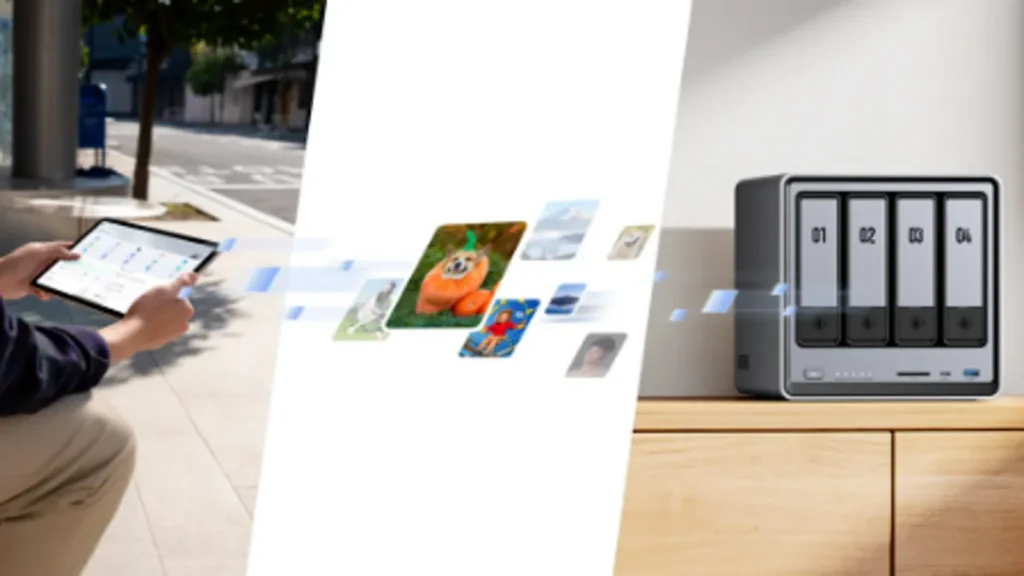
As more UK households and small offices turn to network-attached storage (NAS) to centralise files, automate backups, and store growing media libraries, one question becomes increasingly important: How long will a NAS storage device actually last? Whether you rely on a NAS for family photos, business documents, or long-term data preservation, understanding lifespan and reliability is essential for planning ahead.This guide explores what affects NAS longevity, how different drives age over time, warning signs to watch for, and practical steps to extend the lifespan of your device. We also discuss why the UGREEN NASync series, including the UGREEN NASync DXP4800, is well-suited for long-term, reliable storage.
What Is NAS Storage?
To understand how long a NAS will last, you first need to understand what a NAS actually is. NAS storage is a standalone system connected to your home or office network, designed to store data and make it accessible across multiple devices.
Unlike a simple external drive, a NAS includes several critical components:
1. Drives (HDD or SSD)
These form the core of your storage system. Drive lifespan is the biggest factor affecting overall NAS longevity. Different drive types, HDDs vs SSDs, have different endurance profiles.
2. NAS Enclosure and Motherboard
This includes the main circuit board, the SATA/NVMe connectors, and the internal wiring. High-quality NAS enclosures last significantly longer than cheaper alternatives.
3. Processor (CPU) and RAM
These components allow the NAS to run its operating system, handle file transfers, support apps, run RAID arrays, and maintain 24/7 operation.
4. Power Supply
A reliable PSU is essential for long-term stability. Power failures are one of the biggest threats to both NAS hardware and stored data.
5. Cooling System
Fans and heatsinks help maintain safe temperatures. Overheating is one of the fastest ways to reduce drive lifespan.
When combined, these elements form a robust NAS drive capable of supporting everything from home media storage to server NAS storage in professional environments.
Factors That Impact How Long a NAS Will Last
The lifespan of a NAS varies widely depending on usage, drive type, environment, and maintenance habits. Here are the most important factors.
Drive Type: HDD vs SSD Endurance
HDD Lifespan
Hard drives contain moving parts, spinning platters, read/write heads, and delicate motors. Over years of 24/7 use, mechanical wear naturally occurs.
- Typical HDD lifespan in a NAS: 3–7 years
- NAS-rated HDDs (e.g., IronWolf, WD Red): 5–8 years
- Cold-storage HDDs (light usage): 8–10+ years
HDDs are excellent for bulk storage, but their mechanical nature makes them more vulnerable to ageing.
SSD Lifespan
SSDs have no moving parts. Instead, they rely on flash memory blocks that degrade slowly over write cycles.
- Typical NAS SSD lifespan: 5–10 years
- Enterprise-grade SSDs: 10+ years
The main limiting factor is write endurance, measured in TBW (terabytes written). For home NAS setups, SSD endurance is usually more than sufficient.
Bottom Line on Drive Lifespan
- HDDs last a long time if cooled properly and not overworked
- SSDs are more durable under constant access, but cost more for high capacity.
- Most NAS systems fail because drives wear out, not because the enclosure breaks
Usage Patterns and Workload
How you use the NAS dramatically affects lifespan.
Light Home Use
- Media streaming
- Photo backups
- Document sharing
- Occasional file transfers
Expected lifespan: Drives often last longer than 6–8 years.
Moderate Home or Small Office Use
- Regular backups
- Multiple user access
- Smart home storage
- Constant photo/video editing sync
Expected lifespan: 4–6 years before drive replacement becomes likely.
Heavy Workload / Server NAS Storage
- Virtual machines
- Surveillance camera storage
- Large-scale databases
- Continuous read/write operations
Expected lifespan: 3–5 years, depending on drive quality and cooling.
Environmental Conditions
A NAS kept in a well-ventilated UK home office will outlast one stored in a cramped cupboard.
Key environmental factors affecting longevity:
Temperature
High heat accelerates drive wear. NAS devices perform best between 20–35°C.
Dust
Dust clogs fans and reduces cooling efficiency.
Humidity
High humidity can affect electronic components and corrode connectors.
Vibration
Avoid placing the NAS next to speakers, subwoofers, or machinery.
Hardware Quality
Not all NAS devices are built the same. Higher-quality systems offer:
- better cooling
- stronger power supplies
- more robust circuit boards
- longer fan lifespan
Models like the UGREEN NASync series use premium components designed for 24/7 operation, making them more durable than budget alternatives.
Maintenance and Monitoring
Regular monitoring dramatically extends drive lifespan.
SMART Status
Self-Monitoring Analysis and Reporting Technology detects early warning signs like:
- reallocated sectors
- read/write errors
- temperature spikes
RAID Scrubbing
Ensures data integrity by repairing corrupted blocks across drives.
Firmware Updates
Improves stability and extends hardware lifespan.
Drive Replacement
Replacing ageing drives before failure prevents catastrophic data loss.
Typical Lifespan Expectations for NAS Equipment
Below are realistic ranges based on industry data and thousands of real-world NAS deployments.
HDD Lifespan in NAS Devices
- Typical range: 3–7 years
- NAS-rated drives: 5–8 years
- Cool, well-maintained environments: Up to 10 years
Most HDD failures occur gradually and can be detected early through SMART monitoring.
SSD Lifespan in NAS Devices
- Typical range: 5–10 years
- Higher endurance for enterprise NAS
- Excellent for caching or scratch space
SSDs generally last longer in low-write workloads and are extremely reliable for home NAS setups.
NAS Hardware Lifespan
NAS enclosures themselves typically last longer than the drives inside them.
- Fans: 3–6 years
- Power supply: 5–10 years
- Motherboard/CPU: 7–10+ years
With occasional maintenance, most NAS systems can remain in service well over a decade, provided drives are replaced as they age.
Warning Signs of Ageing or Failing NAS Components
Being aware of early warning signs helps prevent data loss.
1. SMART Errors
Frequent reallocated sectors or read errors indicate imminent HDD failure.
2. Slow Performance
Long loading times, delayed streaming, or slow transfers can signal storage degradation.
3. Clicking or Grinding Noises
These suggest mechanical HDD problems.
4. RAID Rebuild Failures
A serious red flag that one or more drives are unstable.
5. Overheating Alerts
Often caused by dust buildup or failing fans.
6. Random Restarts or Power Issues
Could indicate PSU ageing or voltage instability.
How to Extend the Lifespan of Your NAS Device
There are several simple practices that significantly improve NAS longevity—especially in UK homes and small offices.
Ensure Proper Ventilation
- Place the NAS in an open space, not inside a closed cupboard.
- Avoid areas near radiators or heaters.
Good ventilation is the number one factor affecting drive lifespan.
Use Stable Power
Power fluctuations shorten the PSU’s lifespan.
- Use a surge protector
- Consider a small UPS, especially in older UK buildings
Perform Regular Backups
Even with RAID, backups are essential for data preservation.
Use at least one of these:
- External drive backups
- off site backups
- cloud sync
Monitor NAS Health
Check:
- SMART status
- drive temperature
- bad sector counts
- RAID health
- cooling performance
Modern NAS systems provide built-in dashboards for this.
Replace Components Proactively
Fans and HDDs degrade over time. Replacing them before failure ensures uninterrupted operation.
Keep Firmware Updated
Manufacturers release updates to improve reliability, performance, and hardware lifespan.
UGREEN NASync and Long-Term Reliability
The UGREEN NASync series is engineered for long-term stability, making it an excellent choice for users who want dependable NAS storage for home or business operations.
Why UGREEN NASync Is Built for Longevity
Efficient Cooling
UGREEN systems use high-efficiency cooling to maintain stable temperatures during 24/7 operation.
Quality Components
Premium materials are used for the enclosure, power circuits, and ventilation system.
Advanced NAS Health Monitoring
Users can easily monitor:
- SMART status
- drive temperatures
- RAID integrity
- system alerts
Ease of Maintenance
Drives can be replaced quickly, and expansion is simple thanks to multi-bay designs.
Spotlight on the UGREEN NASync DXP4800
The UGREEN NASync DXP4800 is particularly well-suited for long-term use:
- 4-bay configuration for flexible RAID options
- Supports large-capacity HDDs for long-term data preservation
- Ideal for home media storage, family backups, and professional workloads
- Strong suite of health monitoring tools
- Designed for 24/7 operation with robust hardware reliability
For UK families wanting a future-proof solution or small offices needing stable server NAS storage, the DXP4800 offers an excellent balance of performance and durability.
Conclusion
A well-maintained NAS storage device can last many years, often a decade or more, especially when paired with high-quality drives, stable power, and effective ventilation. HDDs usually provide 3–7 years of active service, while SSDs often reach 5–10 years depending on workload. The NAS hardware itself typically lasts longer, with fans, PSU, and enclosure outliving several generations of drives.
Regular monitoring, proactive maintenance, and smart placement can dramatically extend lifespan, ensuring your data stays safe and accessible. For users seeking a reliable long-term solution, platforms like UGREEN NASync offer modern, well-engineered systems designed for continuous operation, easy maintenance, and future scalability.
By choosing a durable NAS, such as the UGREEN NASync DXP4800, you’re investing not just in storage but in years of dependable data access, secure backups, and peace of mind for both home and small business use.